If your Telegram group gets the same questions over and over, or if members need quick answers that no one has time to provide, an AI assistant can solve that immediately. Adding a ChatGPT-powered bot to a Telegram group takes less than two minutes.
This guide walks you through the exact steps, explains what to expect, and covers the most common questions about adding AI to group chats.
Why Add AI to a Telegram Group?
Telegram groups serve different purposes for different communities. Tech teams use them for async communication. Customer communities use them for support. Study groups use them to share notes and ask questions.
In all of these cases, the same pattern emerges: some members ask questions, others take time to answer, and the same questions come up repeatedly. An AI bot breaks this cycle by answering instantly, at any hour, without requiring a human to be present.
What a ChatGPT bot can do in your Telegram group:
- Answer questions about your product, service, or topic immediately
- Summarize long discussion threads for members who missed them
- Help members draft messages, documents, or plans without leaving Telegram
- Translate messages for multilingual groups in real time
- Keep conversations focused by providing clear, direct answers
The best part is that a well-configured AI bot stays quiet until it is needed. It does not flood the chat with unsolicited messages — it responds when someone asks.
Option 1: Add TeleClaw (Fastest, No Setup Required)
TeleClaw is an AI assistant built specifically for Telegram. It uses large language models to understand and respond to natural language, and it is designed to work seamlessly in group chats from the moment you add it.
Step 1: Open your Telegram group settings
Open the group where you want to add the AI assistant. Tap the group name at the top to access the group info panel.
Step 2: Grant the bot message permissions
When you add TeleClaw to a group, Telegram asks whether to give the bot admin status. For the bot to read and respond to all messages, grant it read access. If you only want it to respond when directly mentioned, standard member permissions work fine.
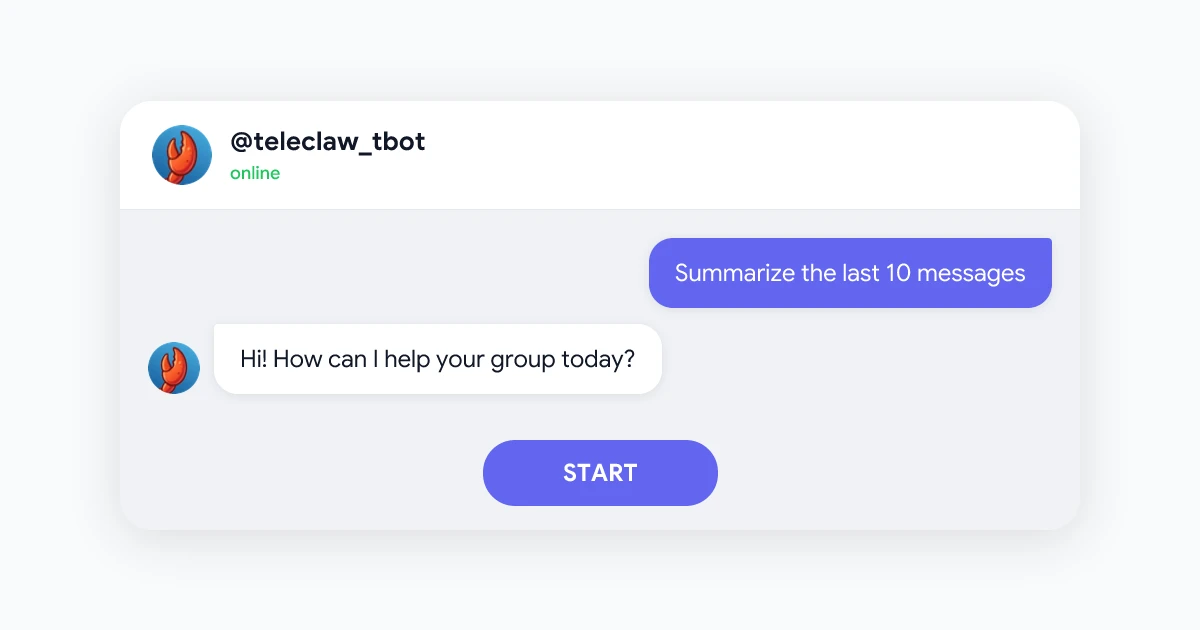
For most groups, the recommended setup is standard member access. TeleClaw responds when mentioned with @teleclaw_tbot and stays quiet otherwise.
Step 3: Ask your first question
Once the bot is in the group, mention it in a message:
@teleclaw_tbot What are the rules for posting in this group?
TeleClaw reads the message, understands what is being asked, and responds immediately. No commands, no special syntax — just natural language.
Option 2: Build Your Own Bot with the OpenAI API
For teams with development resources, building a custom bot gives more control. You can define the bot’s persona, connect it to your own data, and control exactly how it behaves.
The basic setup requires:
- Creating a bot via Telegram’s BotFather to get a Bot Token
- Setting up an OpenAI API account and obtaining an API key
- Writing a script (Python or Node.js) that connects the two
- Hosting the script on a server so it runs 24/7
This approach works well for internal tools, but the cost in time and maintenance is significant. You are responsible for uptime, rate limits, API costs, and updates as models change.
For communities and teams without engineering support, TeleClaw handles all of this out of the box. We compare these options in more detail in TeleClaw vs building your own Telegram bot.
Tips for Using AI in Telegram Groups
Set expectations for members. A short message explaining what the bot can and cannot do helps members use it effectively. Let them know to mention the bot when they want a response.
Use it for onboarding. New members often ask the same basic questions. An AI bot can handle onboarding questions automatically so existing members do not need to repeat themselves.
Pair it with pinned messages. Pin a message in the group explaining key topics. The bot can reference this context when answering questions.
Review the bot’s responses occasionally. Even capable AI bots make mistakes on niche topics. Spot-check responses on important questions to make sure the answers are accurate for your context.
Common Questions
Will the bot read all messages in the group? TeleClaw is configured to respond when mentioned. It does not interrupt or interject in conversations where it is not addressed.
Can the bot be removed? Yes. Any group admin can remove TeleClaw from the group the same way they would remove any member.
Is there a limit on how many questions the bot can answer? TeleClaw has a free tier with generous limits. For high-volume communities, paid plans are available. See teleclaw.bot for details.
Does the bot work in private groups and channels? Yes. TeleClaw works in public groups, private groups, and in private conversations. For channels, it functions as a member bot with read access.
 Try TeleClaw — Add to Telegram
The AI assistant built for Telegram groups. Answers questions, summarizes chats, and helps your community — without any setup or coding.
Add to Telegram