The average professional spends over two hours a day on email, answering the same questions, forwarding requests to the right person, and writing follow-ups that could easily be automated. Across entire teams, that adds up to thousands of hours a year spent on work that requires very little human judgment.
An AI email assistant for Gmail changes this equation. Instead of manually handling every message, teams configure an AI agent to read, classify, and respond to emails automatically, freeing people for work that actually requires their expertise. This article looks at five specific teams putting AI email automation into practice, what they automate, and what they’ve gained.
What Is an AI Email Agent for Gmail?
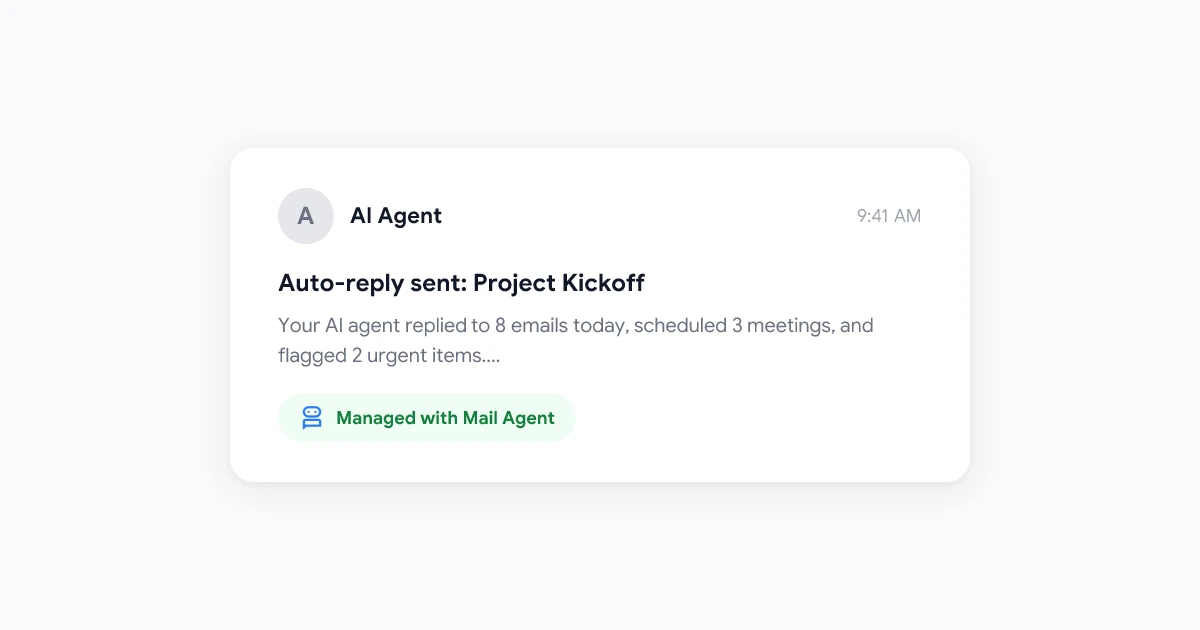
An AI email agent is software that connects to your Gmail account and processes incoming email on your behalf. Unlike basic Gmail filters, which only sort messages into folders, an AI agent can read the content of each email, understand its intent, and generate a contextually appropriate reply.
Modern AI email agents like Mail Agent can:
- Classify emails by topic, urgency, or sender type
- Draft and send automatic replies for common request types
- Route emails to the right team member or department
- Summarize long email threads into actionable points
- Flag emails that need human attention so nothing important falls through
The result is a Gmail inbox that handles itself for the majority of messages, while still escalating anything that genuinely requires a human response.
 Try Mail Agent
Automate Gmail responses with AI. Mail Agent reads, classifies, and replies to emails, so your team spends less time in the inbox and more time on real work.
Get Started →
Use Case 1: Customer Support Teams
Customer support inboxes receive a mix of messages: password reset requests, order status inquiries, refund requests, feature questions, and the occasional escalation that genuinely needs a human. The problem is that 70, 80% of support emails are variations of the same handful of questions, yet they all land in the same inbox and require someone to manually read and respond to each one.
What They Automate
Support teams using an AI email agent typically automate:
- FAQ responses: questions about pricing, plans, refund policies, and how features work
- Order and account status: automated replies that pull relevant details from the subject line or body
- Reset and access requests: directing users to the right self-service link
- Initial acknowledgments: instant replies that confirm the request was received and set response time expectations
The Result
Teams that automate email responses for customer support report handling 60, 80% of incoming volume without any human involvement. The support agent’s inbox shifts from a flood of repetitive questions to a focused queue of complex issues that actually require expertise.
First response times drop from hours to seconds for automated replies, which also improves customer satisfaction scores, since most customers care more about a fast acknowledgment than the depth of the initial response.
Use Case 2: Sales Teams
Sales inboxes are high-stakes: a slow response to a prospect inquiry can mean a lost deal. But sales reps also spend significant time on non-selling work, qualifying leads, scheduling demos, sending follow-up confirmations, and answering product questions that come in after a meeting.
What They Automate
Sales teams configure AI email agents to handle:
- Initial lead responses: instant replies to inbound inquiries with a calendar link and brief product overview
- Follow-up sequences: timed follow-up emails triggered by specific conditions (e.g., if no reply within 3 days)
- Demo confirmation and reminders: automatic emails sent after a meeting is booked
- Post-demo follow-ups: thank-you notes with next steps, sent within minutes of a call ending
- Pricing and FAQ inquiries: standard answers to common questions that don’t require negotiation
The Result
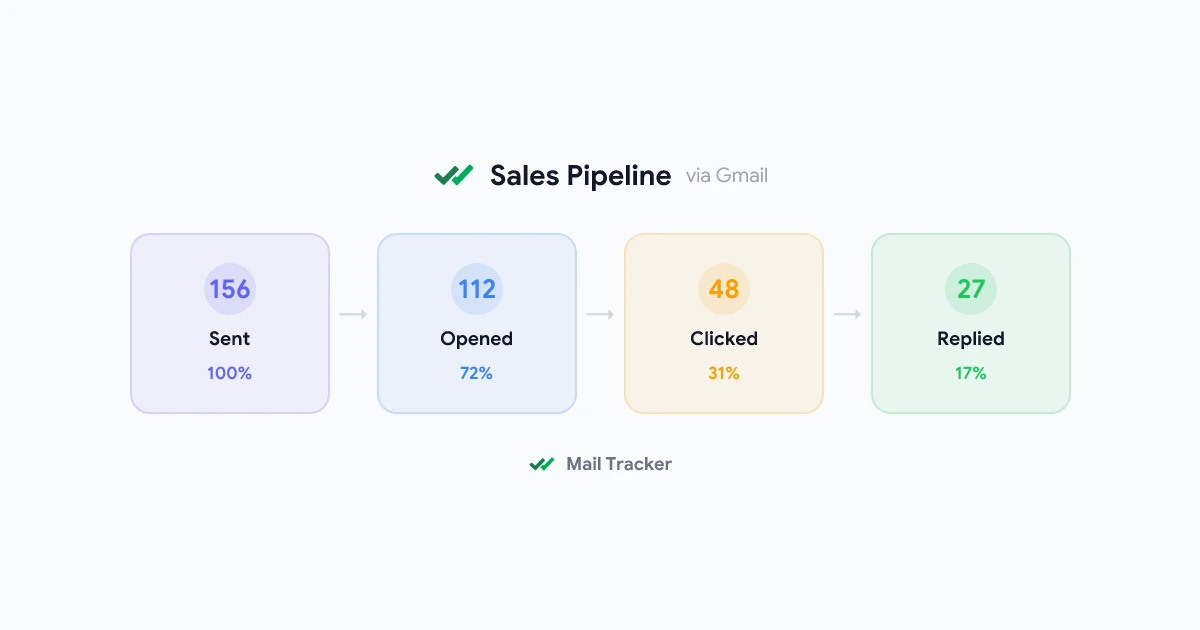
The biggest gain for sales teams is speed. Studies consistently show that the first vendor to respond to an inbound lead has a dramatically higher chance of winning the deal, responding within five minutes improves conversion rates by up to 9x compared to responding after 30 minutes.
An AI email agent ensures that every inbound lead gets an immediate, personalized response regardless of whether the sales rep is in a meeting, on a call, or finished for the day. Reps focus their time on conversations that are already warm rather than chasing cold leads with manual emails.
Use Case 3: Recruiting and HR Teams
Recruiting teams manage high volumes of inbound communication: application confirmations, interview scheduling, status updates for candidates who inquired about their application, and rejection emails. Each message is important, a poor candidate experience damages employer brand, but the volume makes manual handling unsustainable at scale.
What They Automate
Recruiting teams use AI email automation for:
- Application acknowledgments: instant confirmation that the application was received
- Interview scheduling: AI reads the candidate’s reply and provides a Calendly link or specific time slots
- Status update requests: candidates asking “where does my application stand?” get a templated response with current timeline expectations
- Reference check requests: outbound emails to references with instructions and forms
- Rejection notifications: professionally worded rejections sent automatically once a decision is made in the ATS
The Result
Candidate experience improves significantly when every email gets a timely response. Recruiters who previously struggled to reply to all candidate inquiries within a week find that automated responses cover the vast majority of inbound communication instantly. The recruiter’s attention can then focus on interviews, offer negotiations, and building relationships with top candidates.
Use Case 4: Marketing Agencies Managing Client Accounts
Marketing agencies often manage dozens of client accounts simultaneously. Each client sends questions, requests revisions, asks for reports, and needs updates, and all of these threads land in one account manager’s inbox. The context-switching alone is exhausting, and important client messages can get buried under less urgent ones.
What They Automate
Agency account teams configure AI email agents to handle:
- Report delivery confirmations: automatic replies when a client receives their monthly report with a note about when to expect a review call
- Revision request acknowledgments: immediate confirmation that the request was received and routed to the right team member
- Billing and invoice questions: standard answers about payment terms, accepted methods, and invoice details
- New project inquiry screening: initial response that collects project details via a form link before the account manager invests time in a call
- Status update requests: templated updates on ongoing campaigns that pull from a shared status document
The Result
Account managers reclaim time they previously spent on inbox maintenance and redirect it toward client strategy. Clients also perceive the agency as more responsive, since they get immediate acknowledgments, even though the actual human response may come later once the account manager has reviewed the thread.
Use Case 5: Solo Consultants and Freelancers
Freelancers and independent consultants face a unique challenge: they do every job themselves. Business development, client management, delivery, and administration all compete for attention. Email often becomes a significant productivity drain, potential clients, existing clients, collaborators, and vendors all email the same inbox.
What They Automate
Solo operators typically automate email responses for:
- New inquiry responses: instant replies to potential clients with a short introduction, service overview, and a link to book a discovery call
- Project status requests: templated updates that include current milestones and next steps
- Invoice follow-ups: automatic reminders when a payment is overdue, eliminating the awkward manual chase
- Partnership and vendor inquiries: filtered and routed to review later so they don’t clutter the inbox
- Out-of-office communication: AI handles replies while the consultant is in a deep work block or on vacation, so no inquiry goes unanswered
The Result
For solo operators, AI email automation functions like having a virtual assistant that never sleeps. Potential clients always receive a response within minutes, which builds credibility and keeps warm leads from going cold. Consultants report reclaiming 60, 90 minutes per day that previously went to inbox management, which they redirect toward billable work or business development.
How to Get Started with an AI Email Agent in Gmail
Setting up an AI email agent for Gmail doesn’t require technical expertise. The process typically takes 15, 30 minutes:
- Connect your Gmail account to an AI email tool like Mail Agent
- Define your use cases, which types of emails should get automated responses
- Write response templates, draft the messages the AI will send, including placeholders for personalization
- Set routing rules, specify which emails should be escalated to a human vs. handled automatically
- Monitor and refine, review a sample of automated replies weekly to ensure quality and adjust as needed
If you’re also running outbound email campaigns, pairing an AI email agent with Mail Merge for Gmail gives you end-to-end coverage: Mail Merge handles personalized outbound at scale, while Mail Agent manages the incoming responses automatically. You can read more about personalized outbound in our guide to Gmail mail merge.
FAQ
Conclusion
AI email agents are no longer a tool reserved for large enterprises. Customer support teams, sales reps, recruiters, agency account managers, and solo consultants all use Gmail automation today to handle routine email at scale, without sacrificing the quality of communication.
The common thread across all five use cases: AI handles the predictable majority of email volume automatically, while humans focus on the complex minority that genuinely benefits from their judgment. If your team is spending hours each week on emails that follow the same patterns, Mail Agent can automate email responses in Gmail and give that time back.
For teams managing outbound as well as inbound, pairing Mail Agent with an AI auto-reply setup guide gives you a complete picture of how to build a fully automated email workflow from end to end.