You wrote a strong first email. Then silence. The hard part is not whether to follow up. It is knowing when. Sales email follow up timing separates persistent reps from noisy ones, and the right schedule depends on how warm the lead is, what you sent last, and what your tracking data shows.
Most teams either follow up too fast and get ignored, or wait too long and lose momentum. Research on B2B outreach consistently shows that deals often need five or more touches, yet many reps stop after one attempt. This guide gives you practical timing rules, sample cadences, and a way to adjust the calendar when opens and clicks tell a different story.
Why Sales Email Follow Up Timing Matters
Timing is not a minor detail. It shapes how your message lands in a crowded inbox.
When you follow up before a prospect has had time to read your first note, you look impatient. When you wait two weeks after they opened your proposal three times, you look disengaged. The goal is a rhythm that feels professional: consistent enough to stay visible, spaced enough to respect their time.
Three variables drive every decision:
- Lead temperature: cold outreach, warm inbound, or active deal stage
- Last touchpoint: initial pitch, demo recap, or proposal delivery
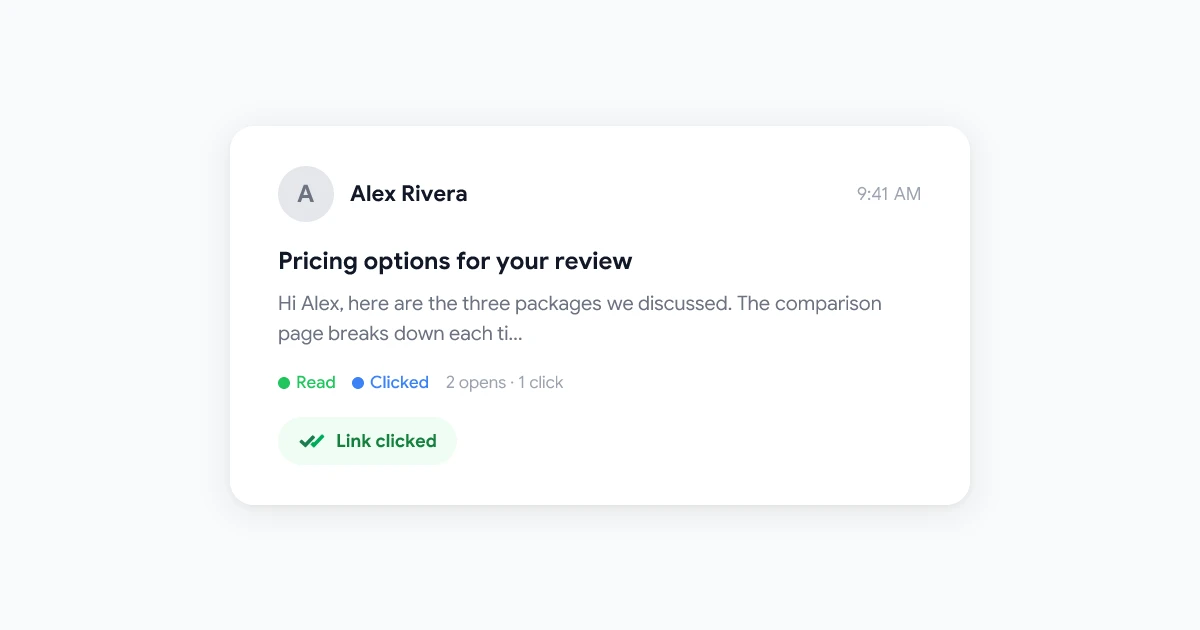
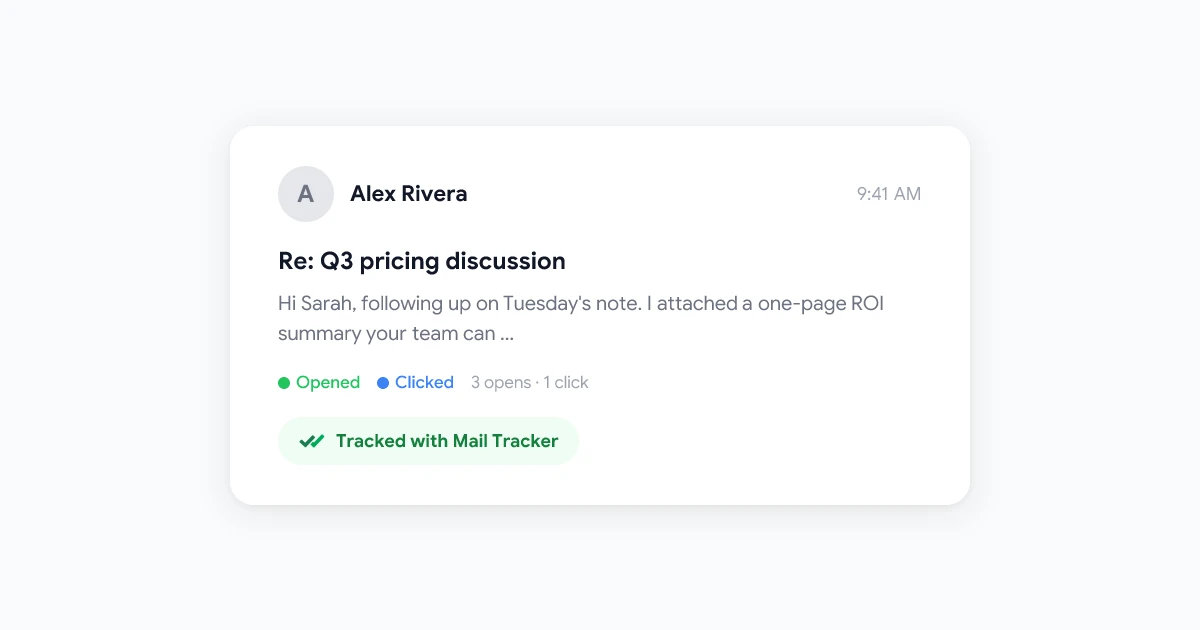
- Engagement signals: opens, clicks, and replies when you track email in Gmail
Get those three aligned and your follow-ups feel timely instead of random.
First Follow-Up Timing by Scenario
There is no single “best day” for every sales email. Match your wait time to the context of the last message.
Cold outreach
For prospects who have never spoken with you, wait 3 to 5 business days before the first follow-up. HubSpot’s sales team recommends at least three full business days so your note is not buried under newer mail. timetoreply’s research points to the same window for cold sales outreach, with a first follow-up open rate around 45% when timing is right.
Sending on day one often feels pushy. Waiting a full week on cold mail can let interest fade.
Warm leads and inbound requests
When someone requested a demo, downloaded a resource, or replied once then went quiet, tighten the window. Follow up within 24 hours, or the same business day when possible. They already raised their hand. Speed signals attentiveness.
After a meeting or demo
Send a recap and next steps within 24 to 48 hours while the conversation is fresh. If you hear nothing after that recap, wait 2 to 3 business days before the next touch. This pattern matches what high-performing sales teams report in Avoma’s follow-up analysis.
After sending a proposal or quote
Proposals travel through internal review. Wait 3 to 5 business days before your first nudge. If still no response, extend gaps to 7 to 10 days for later touches. Rushing a buyer who is circulating numbers internally creates friction without adding value.
If cold outreach is your main motion, pair these waits with a structured send workflow. Our Gmail cold email workflow guide covers list prep, personalization, and when to trigger the next touch.
Building a Multi-Touch Cadence
One follow-up rarely closes a deal. Plan a short sequence with widening gaps so each message has room to breathe.
Sample 4-step email cadence
This pattern works for many B2B cold and warm sequences:
| Touch | Day | Purpose |
|---|---|---|
| Initial email | Day 0 | Core pitch with one clear CTA |
| Follow-up 1 | Day 3 | New angle or short case study |
| Follow-up 2 | Day 7 | Social proof or relevant resource |
| Follow-up 3 | Day 14 | Direct ask or graceful close |
Cold email research summarized by Instantly shows that sequences with 4 to 7 steps often outperform shorter ones, with a meaningful share of replies arriving on steps 2 through 4. That is why stopping after one follow-up leaves pipeline on the table.
When to stop
Most sequences should end after 4 to 6 emails over 2 to 3 weeks, unless the deal stage clearly needs more touches. Send a final “breakup” note that closes the loop politely. Then pause the contact for 30 to 90 days before a fresh angle.
Best Days and Times to Send Follow-Ups
Day and hour matter after you pick the interval.
Tuesday through Thursday between 9 and 11 AM in the recipient’s local time zone is a reliable baseline for B2B mail. Inboxes are active, but the Monday catch-up rush has passed. Instantly’s timing guide and multiple sales sequence studies align on mid-morning midweek sends for opens and replies.
Practical tips:
- Match time zones: a 9 AM send in your city may arrive at midnight for the prospect
- Avoid Friday afternoon: engagement drops as people shift to weekend mode
- Use send-later for precision: scheduling emails in Gmail lets you draft now and deliver at the right local hour
Consistency beats chasing a perfect minute. Pick a window, test for two weeks, and adjust based on replies.
Adjust Timing With Email Tracking Data
Calendar rules get you 80% of the way. Email tracking handles the rest.
Static cadences assume every prospect behaves the same. They do not. Some open on day one and go silent. Others never open at all. Tracking shows the difference.
 Try Mail Tracker
See when prospects open your follow-ups and which links they click. Mail Tracker runs inside Gmail with real-time notifications on every tracked send.
Get Started →
Use signals to compress or stretch your schedule:
- Multiple opens, no reply: follow up within 24 hours with a specific question, not a generic bump
- Link click on pricing or case study: treat as buying intent and reach out same day
- Zero opens after 48 hours: wait the full cold cadence, then try a new subject line
- Re-open after a week of silence: send a short note while interest is visible again
For a full playbook on behavior-based follow-ups, read our email follow-up strategy with open tracking guide. New to tracking? Start with how to track emails in Gmail.
Learn more about Mail Tracker on Qualtir and how it fits Gmail-based sales workflows.
Step-by-Step: Set Up Your Follow-Up Calendar
Turn the rules above into a repeatable process.
Step 1: Tag each prospect by temperature
Label contacts as cold, warm, or active deal. Your CRM, spreadsheet, or Gmail labels can hold this. Temperature sets the first wait time.
Step 2: Pick a sequence length
Choose 4 to 6 touches for outbound. Active deals in proposal stage may need fewer emails but more calls.
Step 3: Map days to actions
Example for cold outbound:
- Day 0: initial email
- Day 3: follow-up with a new insight
- Day 7: customer proof point
- Day 14: direct CTA
- Day 21: breakup email
Step 4: Layer send-time rules
Schedule each touch for Tuesday, Wednesday, or Thursday morning in the prospect’s time zone.
Step 5: Add tracking and pause rules
Enable tracking on every sales send. Pause the sequence the moment they reply or book a meeting. Never send step 4 if step 2 already got an answer.
- Touch 1 to 2: 2 to 3 business days
- Touch 2 to 3: 4 to 5 business days
- Touch 3 to 4: 7 to 10 business days
- Later touches: 10 to 14 business days
What Every Follow-Up Should Include
Timing gets you in the inbox at the right moment. Content gets the reply.
Each follow-up should:
- Reference the prior message in one short line
- Add something new: a stat, case study, or question you did not include before
- Use one CTA: book a call, reply with a date, or confirm interest
- Stay short: under 150 words when possible
Avoid resending the same pitch with “bumping this.” Avoid vague check-ins with no new information. HubSpot’s follow-up guidance stresses helpful, specific messages over pressure.
Frequently Asked Questions
Conclusion
Sales email follow up timing works best when you combine scenario-based waits, a short multi-touch cadence with widening gaps, and midweek morning send times. Cold prospects need 3 to 5 days before the first bump. Warm leads need speed. Proposals need patience.
Layer email tracking on top so opens and clicks shorten or lengthen the calendar in real time. Build the sequence once, track every send, and refine based on replies.
Ready to time follow-ups with real engagement data? Try Mail Tracker in Gmail or explore the Mail Tracker product page on Qualtir.